Next.js 16 Cache Components: a practical migration guide
Cache Components and Partial Prerendering change how you think about static and dynamic. Here's how we migrate production apps without surprises.
By VitalBlaze Admin
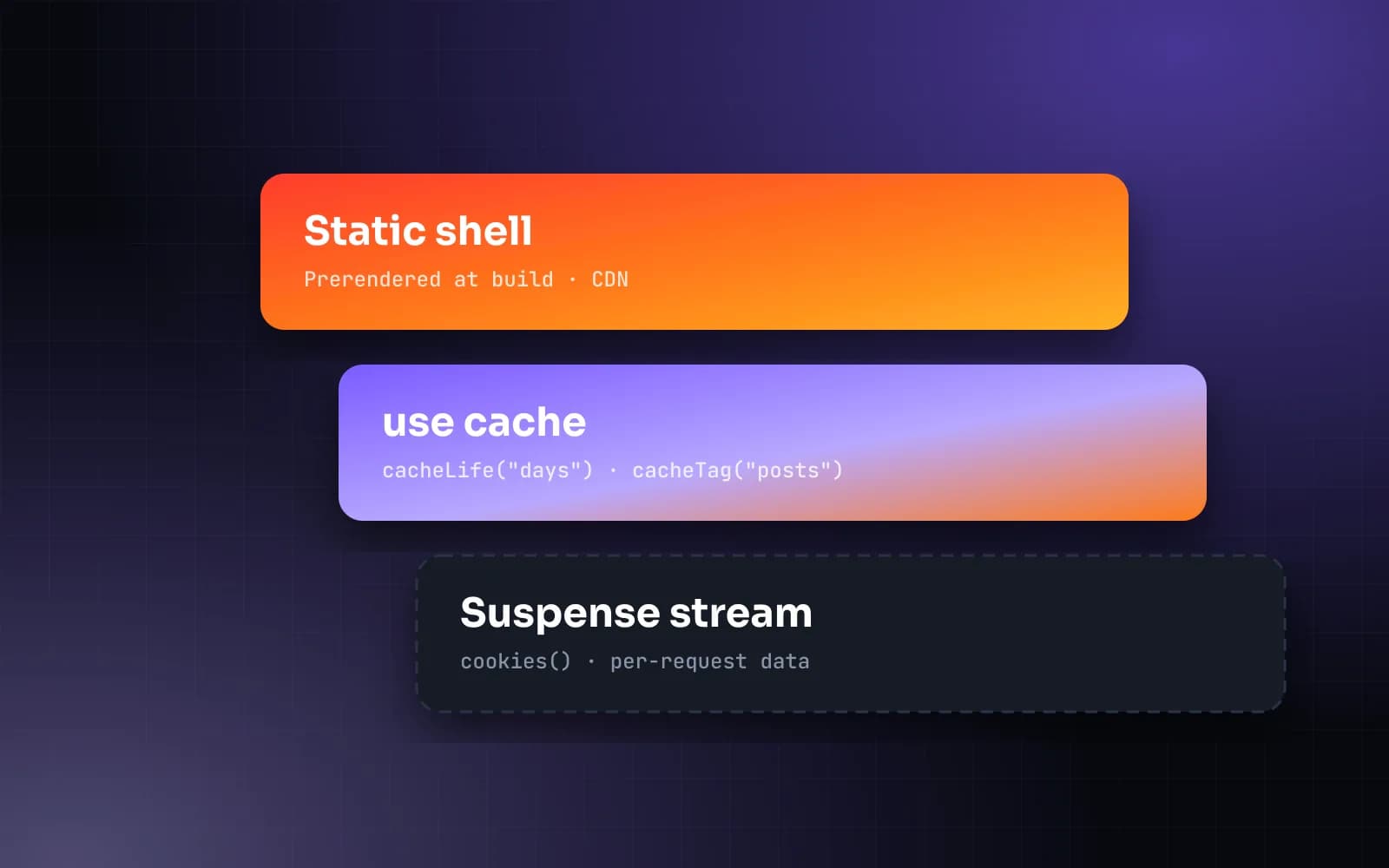
Next.js 16 makes Cache Components the recommended model: everything is dynamic by default, and you opt in to caching with the use cache directive. The payoff is a static shell served instantly from the edge with dynamic parts streaming in.
The mental model
- Static shell — anything that doesn't read request data is prerendered at build time.
- Cached data — functions marked
use cachewith acacheLifeprofile join the shell. - Streaming holes — components reading
cookies()or uncached data render behind<Suspense>.
Step 1: cache your data layer
export async function getPosts() {
  "use cache";
  cacheLife("days");
  cacheTag("posts");
  return db.post.findMany({ where: { published: true } });
}
Step 2: push dynamic access down
Don't await the session at the top of a layout. Move it into the component that needs it and wrap that component in Suspense — the rest of the page stays instant.
Step 3: invalidate precisely
Call updateTag("posts") inside the Server Action that publishes a post. Readers get fresh content immediately and everything else stays cached.
Results
On a recent migration, time to first byte fell from 380ms to 42ms at the 75th percentile, with no change to the editorial workflow.